| Resolution / Answer | To ensure v8 driver is completely uninstalled, follow the following steps:
- Download the v8 driver installer and run it.
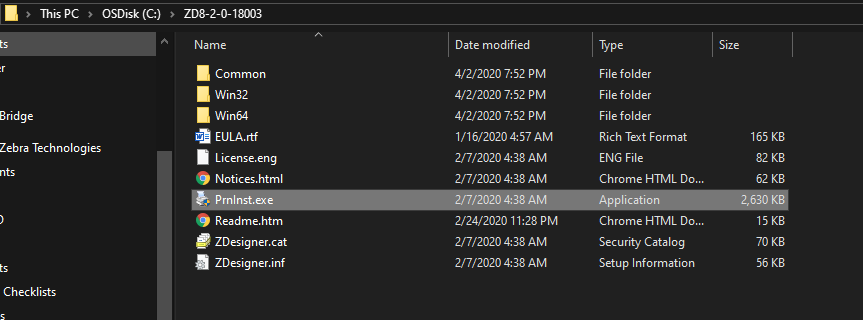
- The installer file extracts to a folder in the C drive, for example C:\ZD8-2-0-18003.
- Run the PrnInst.exe file as highlighted in the picture shown below:
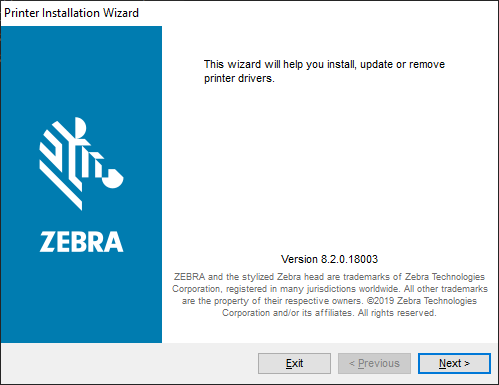
- Click Next on the dialog box shown below:
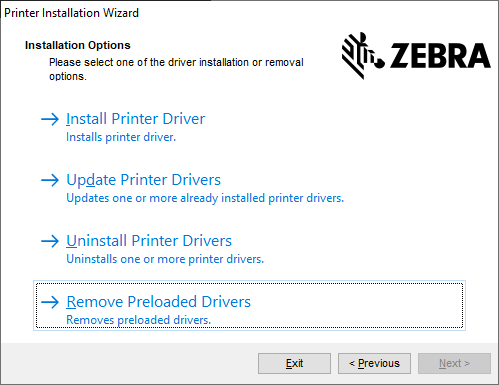
- Click Remove Preloaded Driver on the dialog box shown below:
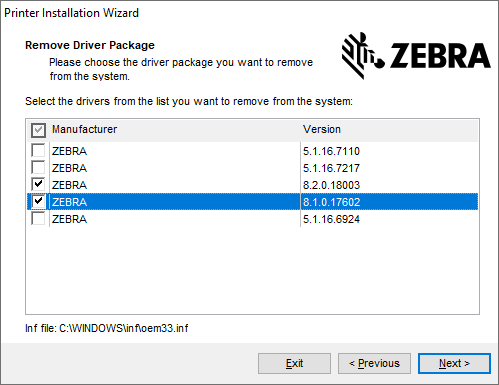
- Check the ones that you want to remove. In this case, all that start with 8. Click Next.
- Follow the prompts, and restart the computer. The V8 driver is now removed from the computer.
|
|
|---|